Stuck on an infinite "retrieving keyboard data" state
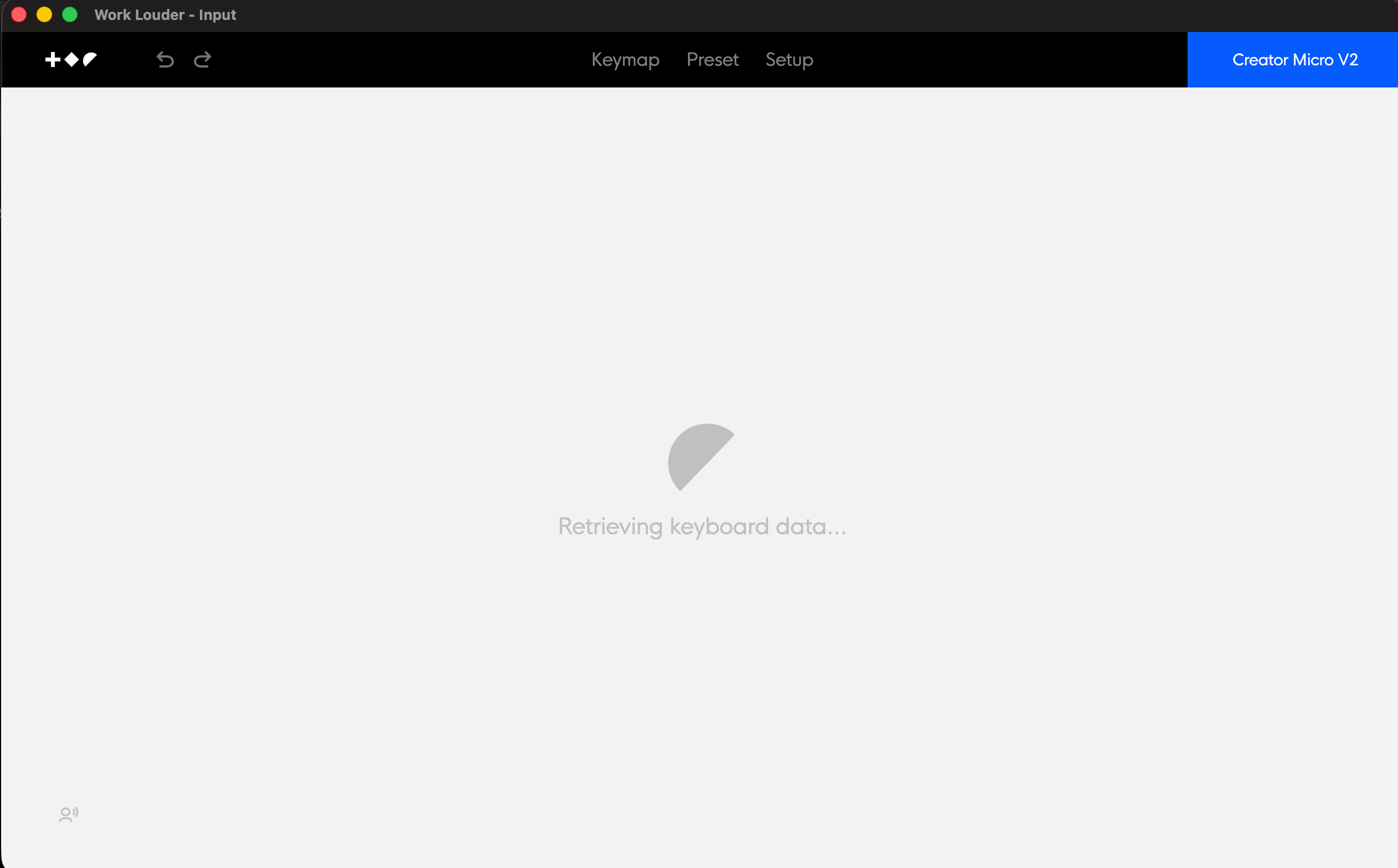
Input Version 0.18.0 (0.18.0)
MacOS Tahoe 26.2
Did both a manual reset on the board itself and multiple power cycles / modes. Nothing seems to get it to escape out of this state
- Product
- Creator Micro v2
Log in to comment and vote
Comments8
Davide // Work Louder
Aug 14
Hi @Evan , thanks for the detailed report, and sorry for the frustrating Bluetooth experience.
We’re releasing new firmware version 0.6.2, which should address the sleep/wake reconnection issues you described, including the need to repeatedly forget and re-pair the device.
Once firmware 0.6.2 is available (by the end of today), please update your unit and test it after the device and Mac wake from sleep.
Please let us know how it behaves on your Mac after the update.
Evan
Aug 4
Minor update on this one - I somehow got it to work, but it feels very unpredictable. When it finally detected the creator micro, it flashed it with the latest firmware, but after repeated visits to the app (either wireless or wired), it will only sometimes be able to pick it up again. Still unsure on what the specific parameters are needed to reproduce this consistently.
Daniel Becker
Aug 4
Right now it's still stuck in Comms mode, glowing blue with the first light blinking on and off. I'm waiting for the battery to die so I can try again before I attempt a manual reflash. A little annoyed this is happening since I just bought it, but I'm hopeful it will get fixed.
Daniel Becker
Aug 3
Same issue on Windows with a Creator Micro v2
additionally it is stuck in the Comms mode glowing blue with the first light flashing.
Firmware: 0.6.1
Input: 0.18.0
Windows 11
Alex
Aug 3
Yes same here. Got the Pro, works over usb c but over Bluetooth. Stuck in the same input loop and Codex also cant establish a connection. Device gets detected as a keyboard tho in MacOS.
Firmware: 0.6.1
Input: 0.18.0
MacOS: 26.5.2
Hamilton Vereen
Aug 3
c_micro_v2_complete_reflash_guide.pdf
1.4 MB• Document
If you feel comfortable, I'll try reflashing the controller micro. And don't use the USB-C cable they provide. use one you know is good by switching out The cable is how I got this to work.